Sharing threads
Every thread has a durable share link. People with the link can follow the conversation, inspect its experiments and results, and continue from the work without changing the original thread.
The shared view stays current as the thread changes, so you do not need to send a new link when an experiment finishes or a new result is published.
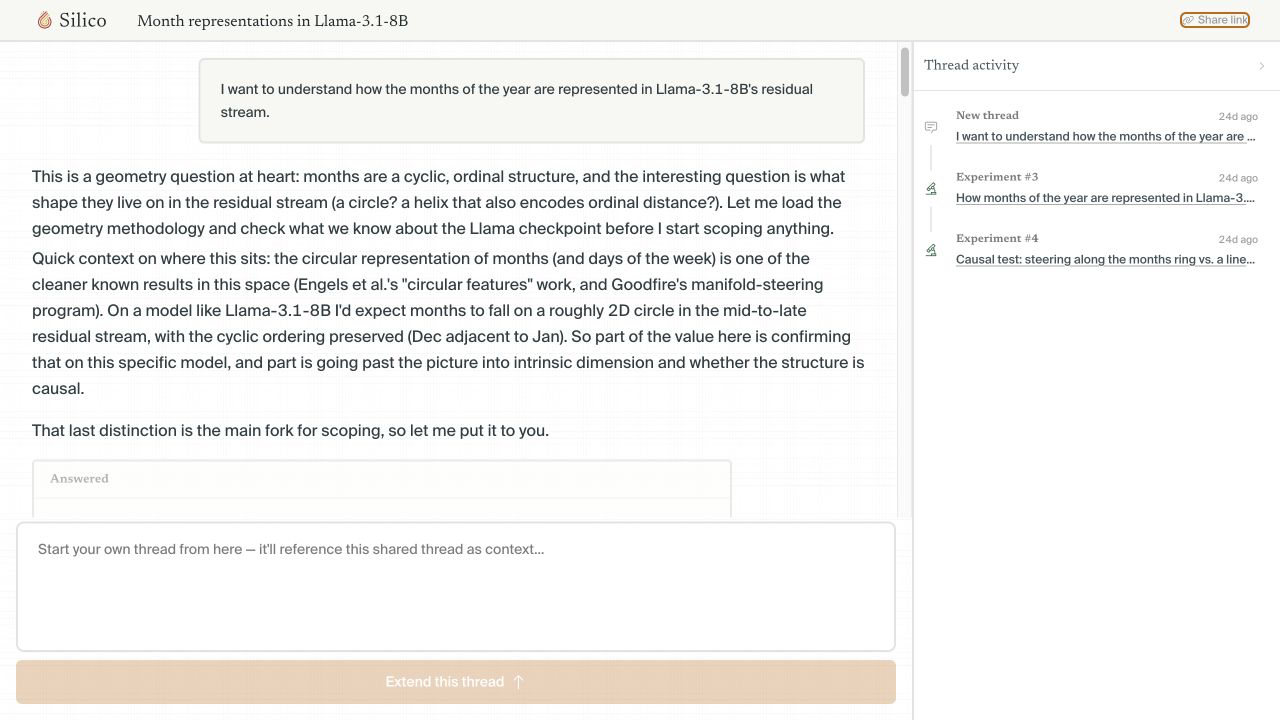
Copy the share link
Open the thread and click Share link. Silico copies the link immediately; there is no visibility mode to configure.
Treat the link as access to the thread. Only send it to people who should be able to read the conversation and its attached research context.
If you want someone to begin at a particular experiment or result, open it first and copy the link from that view.
Review a shared thread
The shared view is read-only. A viewer can:
- read the conversation, plans, and answered decisions
- open experiments and move through their timelines and results
- inspect available figures, write-ups, and other artifacts
- use Thread activity to navigate a long-running thread
They cannot send messages, steer active work, or edit the source thread.
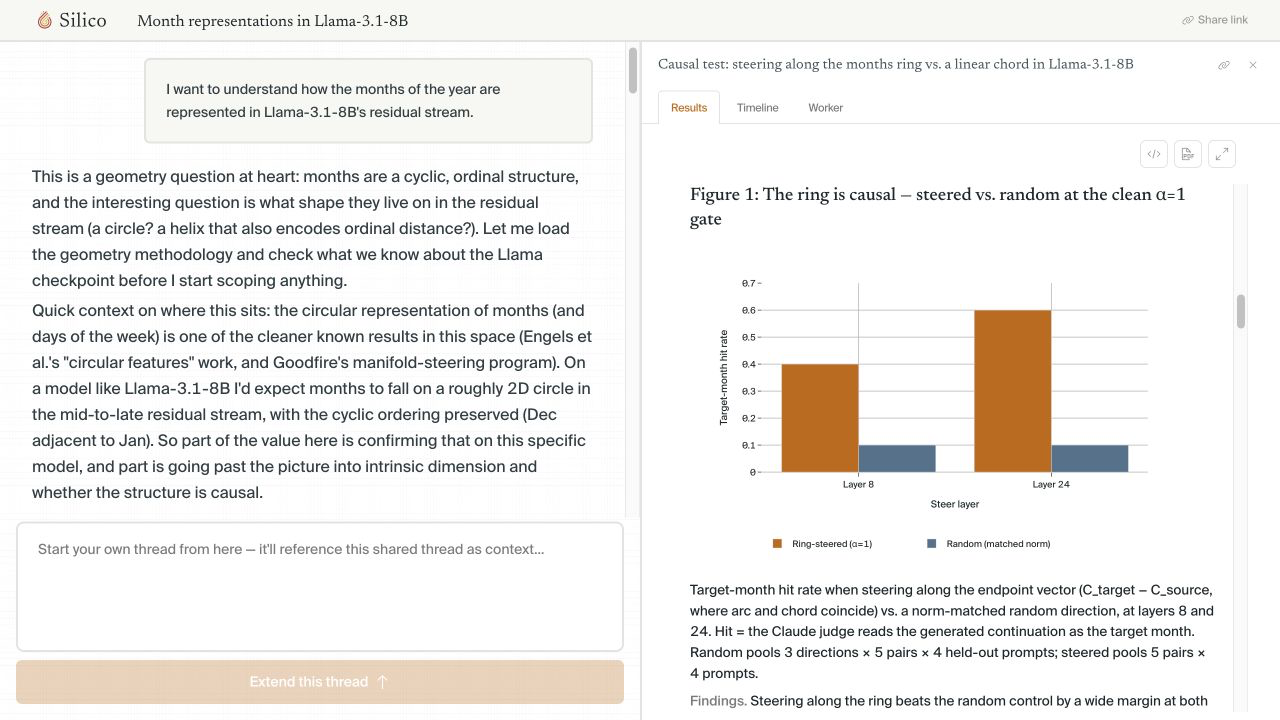
After an authenticated viewer opens a link, the thread appears under Shared with you in their sidebar for later access.
Continue from shared work
Write a message in Extend this thread to start a thread of your own. Silico attaches the shared thread as context, preserving the connection to the original work while giving you a clean conversation for the follow-up.
The new thread belongs to you, and the source remains unchanged. Use it to ask a follow-up question, test a different interpretation, or continue the research in your own environment.
Access to connected resources
Sharing a thread does not grant access to organization settings, credentials, repositories, datasets, models, or compute. A viewer may be able to understand the result without being able to rerun it.
When continuing from shared work, connect the resources you need in your own environment and call out any changes to the data, checkpoint, metric, or compute setup.